There's a specific kind of dread that comes with opening Canva, staring at an empty canvas, and realizing you have absolutely no idea where to start. It's not that you lack creativity — it's that designing from a blank page requires you to make dozens of small decisions all at once: layout, color, font pairing, spacing, hierarchy. That mental load is exhausting, and it's the number one reason small business owners fall behind on posting consistently, even when they have plenty of content ideas.
The first thing worth understanding is that this isn't a personal failing — it's a structural problem with starting from zero every time. Professional designers rarely build from a blank canvas either. They work from systems: established color palettes, pre-set layouts, and templates they've refined over time. The blank page problem isn't about a lack of skill. It's about lacking a starting point.
One of the simplest fixes is separating the thinking from the designing. Batch your content ideas first, completely outside of Canva, in a simple note or document. Write down five or six post concepts — a tip, a behind-the-scenes moment, a client story, a promotion — before you ever open the design tool. When you sit down to design with a clear list already in hand, you're no longer trying to be strategic and creative at the same time, which is what causes the paralysis in the first place.
Setting up a Brand Kit inside Canva removes another major layer of decision fatigue. Once your brand colors, fonts, and logo are saved, every new design pulls from that same consistent palette automatically, so you're not relitigating your color scheme every single time you open the app. This alone removes a significant chunk of the decisions that slow people down.
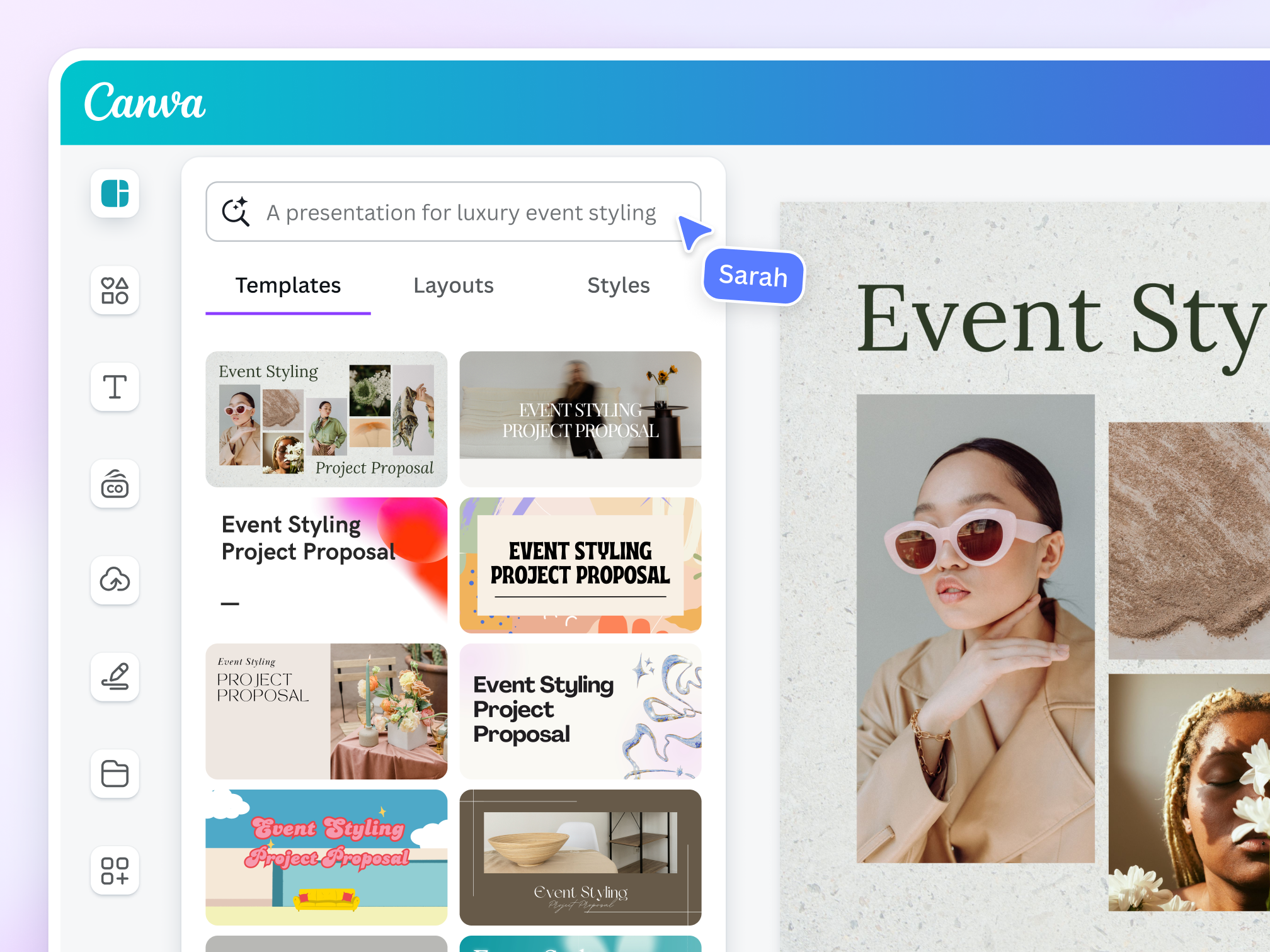
The single most effective fix, though, is starting from an existing template rather than an empty canvas. When a layout, font pairing, and spacing are already professionally designed, your only job is to swap in your own text, photo, and brand colors. This shifts the task from "design something from nothing" to "customize something that already works," which is a dramatically easier mental task. It's the difference between writing a novel and filling in a Mad Libs — both involve creativity, but only one requires you to invent the entire structure first.
This is also why batch creation and templates work so well together. When you've pre-selected a handful of templates that match your content categories — one for tips, one for testimonials, one for promotions — you can move through an entire week or month of content in a single sitting, swapping in new text and images without ever facing that blank-canvas moment again.
If you've been putting off posting simply because the design step feels like too much, the fix isn't more discipline or more time. It's starting from something already built. Ready-made templates give you that starting point instantly, so every post becomes a five-minute edit instead of an hour-long design project, and consistency finally becomes something you can actually sustain.
Shop our template collections if you're serious, and level up your social media game today.